

Gig management
Gig management software built around the gig.
A calendar tells you when. GigGeist keeps everything else: venue, load-in, the musicians playing, the set and the money. All of it attached to the gig where you need it.
See how it worksHow gig information usually ends up
The gig is confirmed. The details are scattered.
- The booking
The date is in the calendar. The load-in time is in a text. The parking instructions are in an email from three weeks ago.
- Building the band
Availability goes out in the group chat. Replies trickle back over two days. Someone drops out and the dep does not know the set.
- The week before
Musicians are asking what time, where to park and what the opening song is. The answers are all in different places.
GigGeist keeps the gig details, availability, lineup and set attached to the gig. Every musician has one place to check.
Capture the gig
Start with the gig. Not the group chat.
When a gig is confirmed, put it in GigGeist. Everything the band needs to know about that date lives on the gig page from the start.
- Venue name, address and directions
- Date, load-in, stage time and finish
- Gig notes: parking, backline, catering, venue contact
- A calendar file any musician can add to their phone
- A gig chat linked to the musicians on this date

Check availability
Ask once. Know who is in.
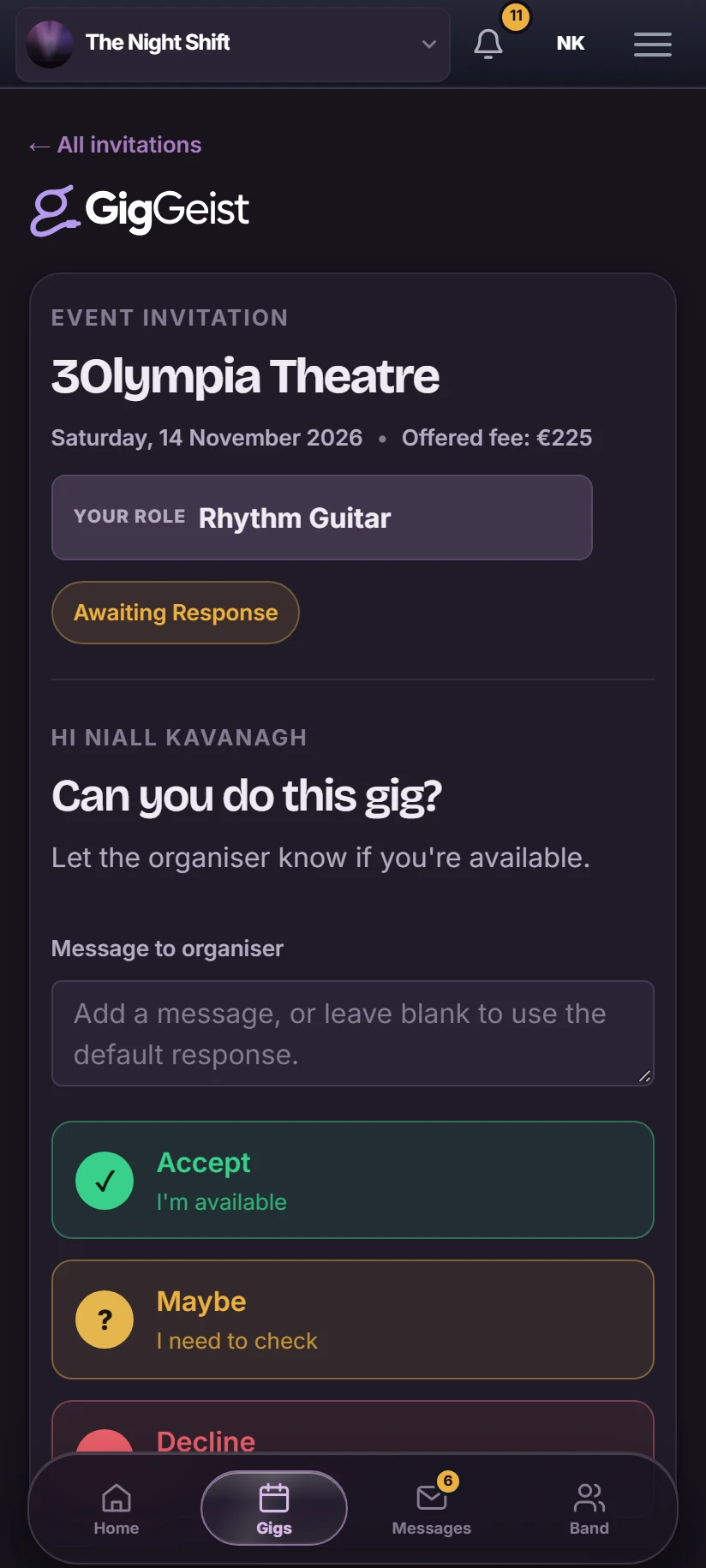
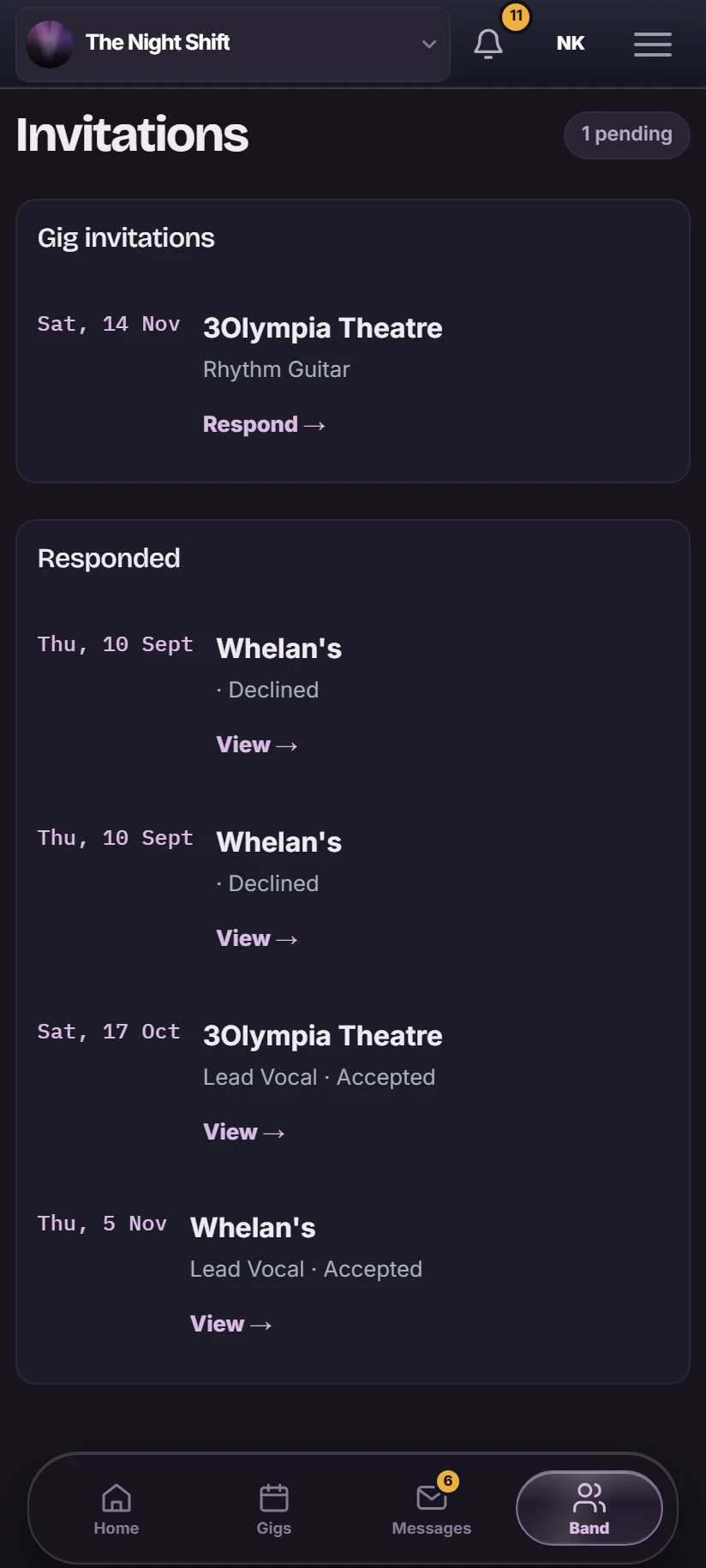
Invite the musicians the gig needs. Each one responds from their phone, and you see every answer on the gig — no chasing replies through a group chat.
- Each musician gets an invitation for the gig
- They reply Accept, Maybe or Decline from their phone
- Responses appear on the gig as they come in
- Add a musician who does not use GigGeist and record their answer yourself
- See which roles are filled before locking the lineup
Confirm the lineup
Know exactly who is playing this gig.
Once availability is clear, confirm the lineup. Each musician gets a role, and a change for this gig doesn't touch any other date.
- Assign each musician a role on this gig
- Replace a player for this date without affecting the band's other gigs
- See confirmed, pending and manually-added musicians at a glance
- Message any musician on WhatsApp from the lineup

Build and play the set
The plan follows the musician onto the gig.
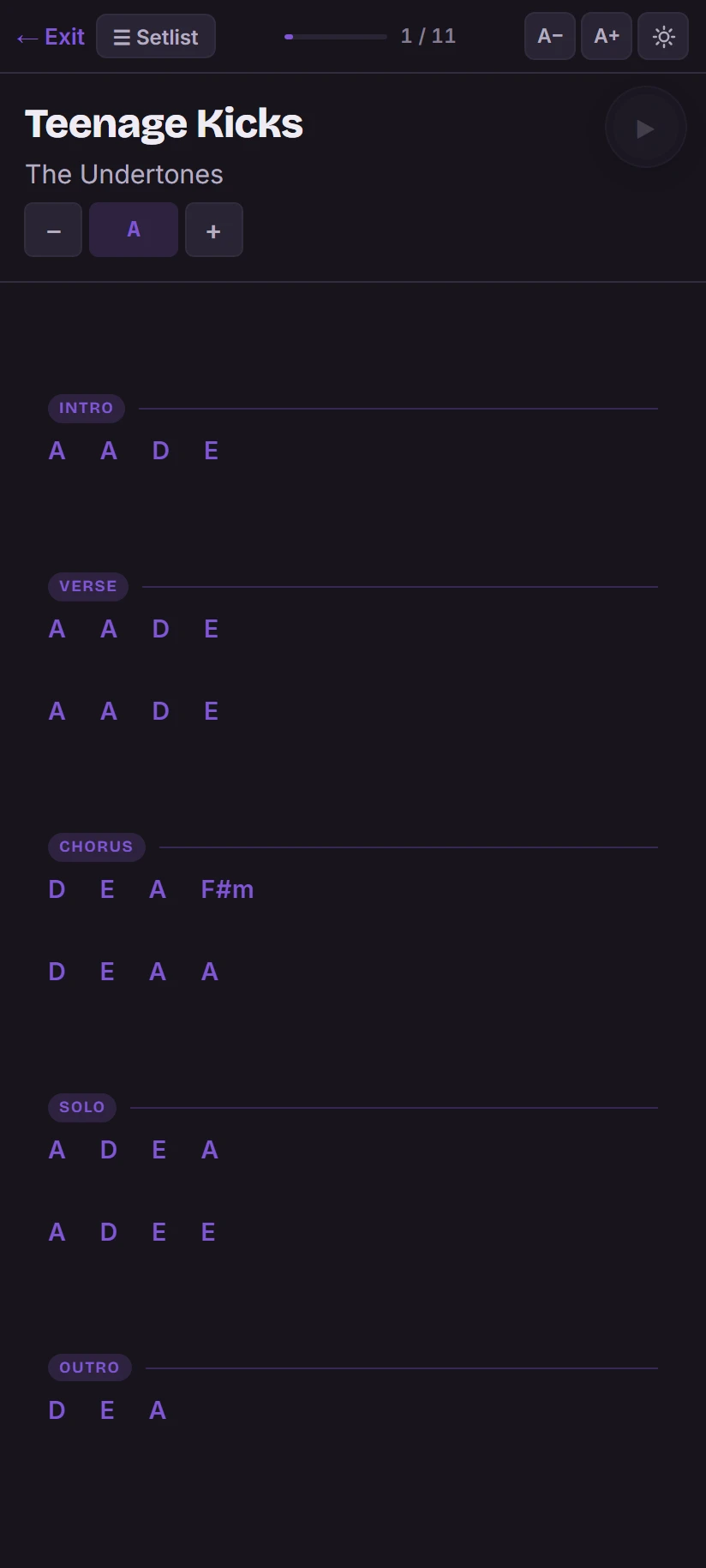
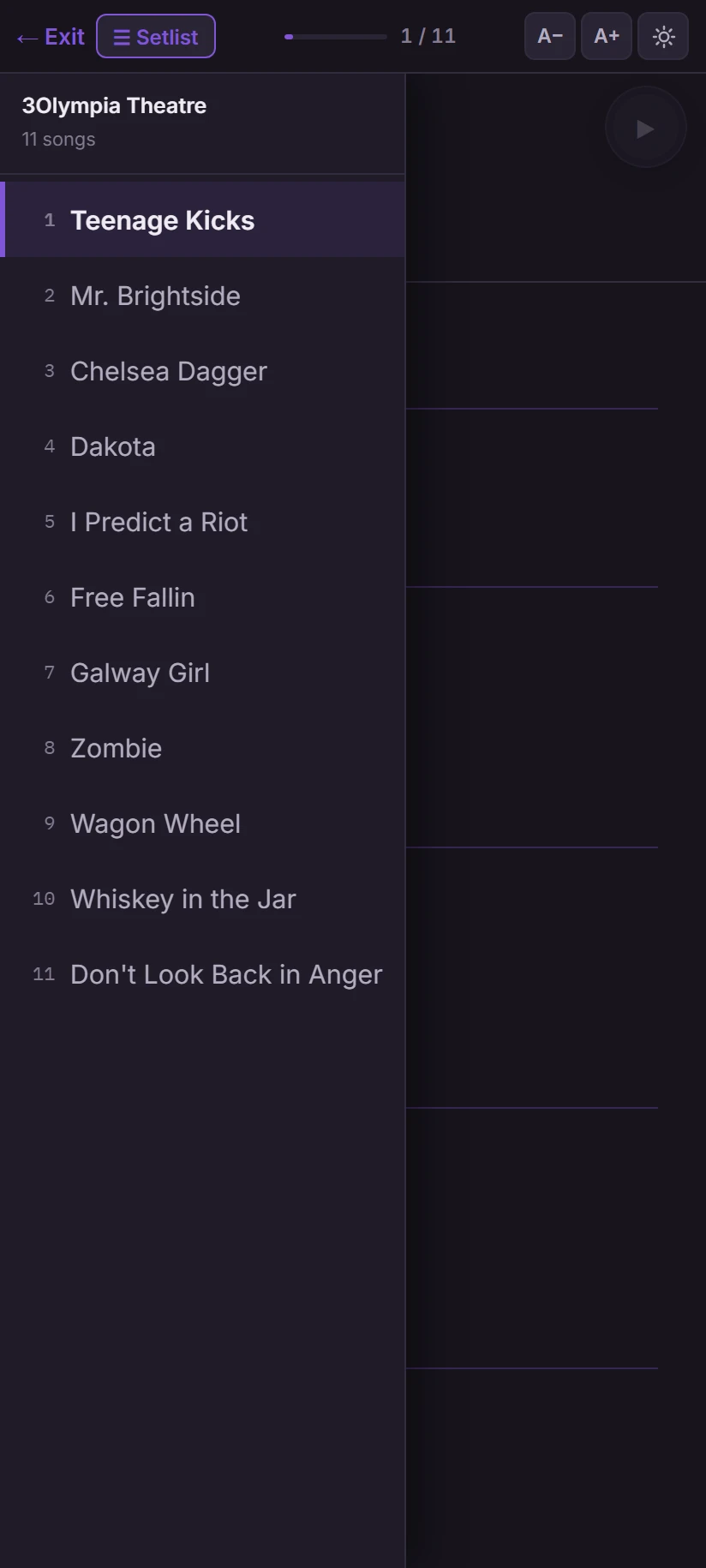
Assign a set to the gig or adjust one for this night only. Every musician gets the running order and their charts on their phone.
- Assign a saved set or build one for this gig
- Change the order or a song's key for this gig only, without touching the saved set
- Charts transposed into each musician's key
- Performance mode: running order and chart on their phone, one tap to the next song
Track the money
See what the gig made and what it cost.
Record the fee, each musician's cut and what came out of pocket. The owner dashboard tracks the picture across the whole year.
- Gig fee, deposit received and balance due
- Each musician's agreed fee for this gig
- Expenses logged against the gig
- Fuel costs calculated from each musician's home address
- See who has been paid and who is still owed
Each musician sees only their own fee. GigGeist is not accounting software: it keeps the gig money clear.

Calendar vs GigGeist
A calendar tells you when. GigGeist keeps everything else.
A gig calendar is useful. It tells you what is coming up. GigGeist keeps the operational detail attached to each gig so you are not hunting for it when it matters.
Your calendar tells you
- When the gig is
- The event name
- Maybe the venue
GigGeist keeps with the gig
- Venue, load-in, stage time and notes
- Who is available and who is confirmed
- The setlist and each musician's key
- The fee, expenses and who has been paid
GigGeist works alongside any calendar. Use both.
Gig management questions
What is gig management software?
Gig management software organises the information attached to each performance: the venue and timings, musician availability and lineup, the setlist, and the money. GigGeist keeps all of this on the gig itself, so the details for a date are in one place rather than scattered across messages, emails and notes.
Is GigGeist more than a gig calendar?
Yes. A calendar tells you when a gig is. GigGeist keeps the operational detail attached to it: venue and load-in, who is available and confirmed, the setlist with charts in each musician's key, and the money. Musicians can access the gig details themselves from their phone.
What information can I keep with a gig?
Venue name, address and directions, load-in and stage time, gig notes such as parking, backline and venue contact, musician availability responses, the confirmed lineup and roles, the setlist with keys, musician fees, expenses and travel costs. A calendar file is also available for any musician to download.
Can musicians respond to availability invitations?
Yes. Each musician receives an invitation for the gig and replies Accept, Maybe or Decline from their phone or computer. Every response appears on the gig. You can also add musicians who are not on GigGeist and record their availability yourself.
Can every gig have a different lineup?
Yes. The lineup belongs to the gig. Replace a musician for one date, assign different roles to different players and confirm each person separately. No other gig is affected.
Can I create a setlist for an individual gig?
Yes. Assign a saved set to the gig or adjust the running order and keys for that night without touching the saved set. Charts are transposed into each musician's key, and performance mode puts the running order and chart on their phone during the gig.
Can musicians access gig details on their phones?
Yes. GigGeist works in any mobile browser. Musicians can check the venue and timings, see their role in the lineup, use performance mode for the running order and charts, and view their own fee, all from their phone.
Can I track gig fees and expenses?
Yes. Record the gig fee, each musician's agreed cut, out-of-pocket expenses and travel costs. The owner dashboard shows revenue, costs and profit across all gigs by month or year. Each musician sees only their own fee.
Your next gig starts here
Run every gig.
Together.
One place for your band and everything behind the gig.
Already part of a band on GigGeist? Sign in